
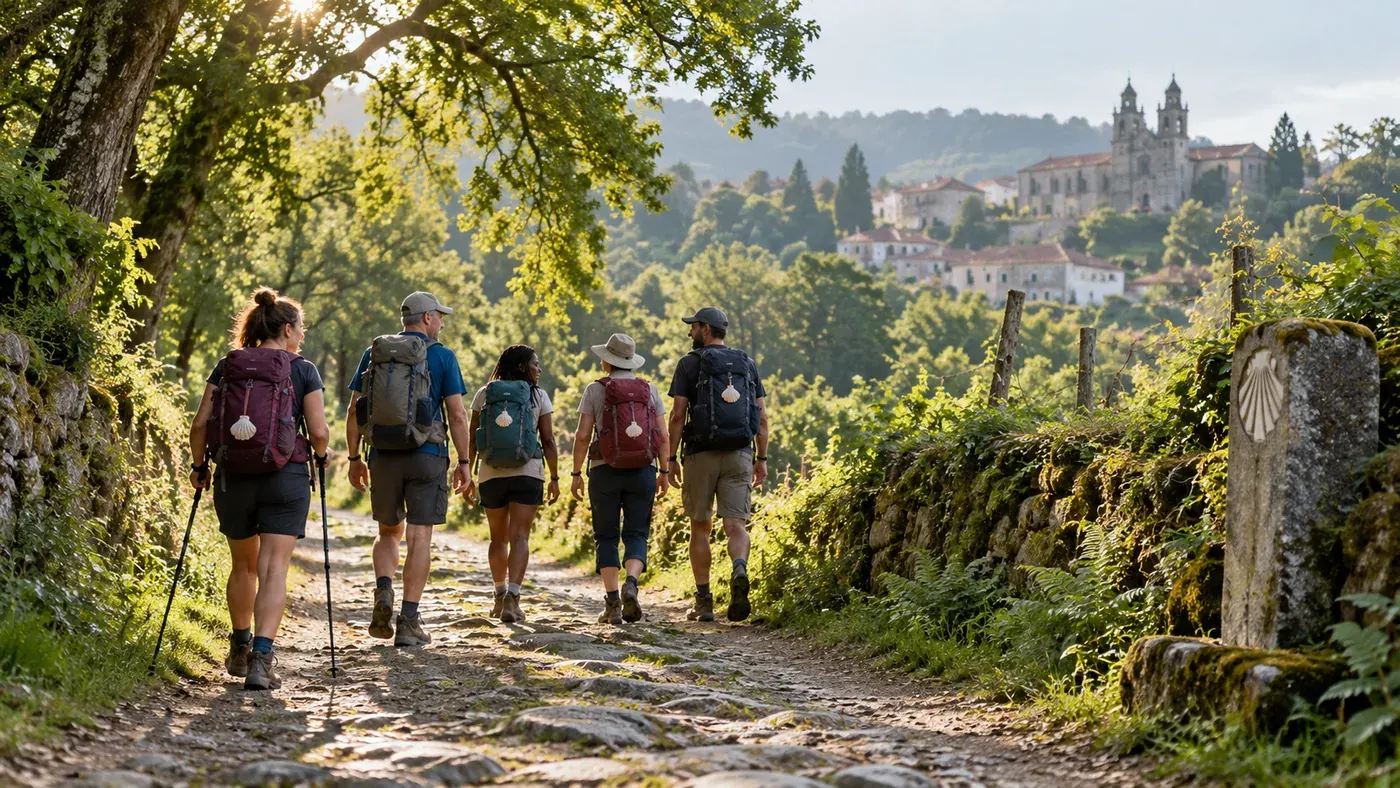
The right group starts with the right pace
Before looking for companions, write down how many days you have, where you would like to start and how you imagine your days. Do you prefer cultural stops, quiet moments or plenty of chances to meet others? Two people can want the same Camino and have different needs.
Also compare willingness to split a long stage, accommodation preferences and rest days. Clarifying these points reduces unspoken assumptions.
How to use the SantiagoLand noticeboard
Open Groups and read the available departures. Assess each proposal by its programme: an individual looking for friends and a professional offering services have different roles. Check who is proposing the trip and which expenses remain individual.
If you find a suitable departure, sign in or register and send a request from the group page. In your personal dashboard you can track your participation status and private conversations. A listed proposal does not certify that there is a place available for you.
Questions to ask before confirming
Ask how accommodation is chosen, what happens if someone has to stop, who handles transfers and how costs are shared. If paid services are planned, ask the proposer to explain the terms directly.
You can arrange travel to the first stage separately from the group. Check the meeting time before buying a flight or train ticket: your arrival city may not be where you start walking.
How to organise a walking group and propose it on SantiagoLand
Start with the route and dates, then explain how far you plan to go each day and what experience participants need. Add the interests you would like to share: history, photography, spirituality or simply the pleasure of walking together.
Specify the meeting point and planned type of accommodation. If the programme still needs to be agreed, say so: an open proposal can work, as long as it is clear what has been decided and what is still missing.
Individual or professional: make your role clear
If you are looking for friends, explain how each person will organise their own trip and how you would like to share costs. If you offer a professional programme, describe your business, fee and included services. Publishing the listing for free does not make the trip free.
Avoid general promises such as “we take care of everything” if flights, meals or transfers are excluded. Clear terms also help you receive relevant requests.
From submission to requests to join
Register, complete your profile and submit your application. The editorial team may ask for clarification before approving the proposal; it will not appear on the public noticeboard until approved.
Once the group is published, manage requests in your dashboard. Keep the programme updated and withdraw the proposal if the trip will no longer take place. Your nickname is shown publicly: avoid putting private information in the listing text.
Pilgrim reviews: how to read and share advice on pilgrimage routes
Open Experiences and select the Camino or category you are interested in. A property comment is useful if it concerns the place where you plan to stay; check the location, date and content.
A star rating offers a quick overview, but the text explains the experience. Compare practical information with the listing and contact the service to find out what is available on your dates.
Describe what you experienced
To contribute, sign in with your profile and specify the Camino, category, place and visit date. Describe what you found and which detail would have been useful to know beforehand.
You can add a rating and a photo you have the right to share. Be specific: a convenient location for a stage or an access time is more useful than a general phrase. Avoid other people’s personal data.
Contributions go through the editorial team
Submitted experiences are checked before publication. Some selections may still be empty: in that case your account can become the first reference, without suggesting coverage is already complete.
If you find a problematic contribution, use the review reporting feature. For a blocked path or an unexpected problem on the route, use the dedicated page instead, specifying location and date.